Blur Kids' Faces
We publish a lot of videos through Baby Acrobatics, and our kids are in them. So covering their faces is part of the production process, every time.
I already built that into our media library. But most parents aren't running a video production workflow. They have a photo on their phone, they want to share it, and they need a straightforward way to cover a face before it goes anywhere.
That's where this started. A free face-blurring tool in the browser, then an iPhone app, then a whole set of guides about the other things that make children's privacy online considerably more complicated than putting an emoji over their face.
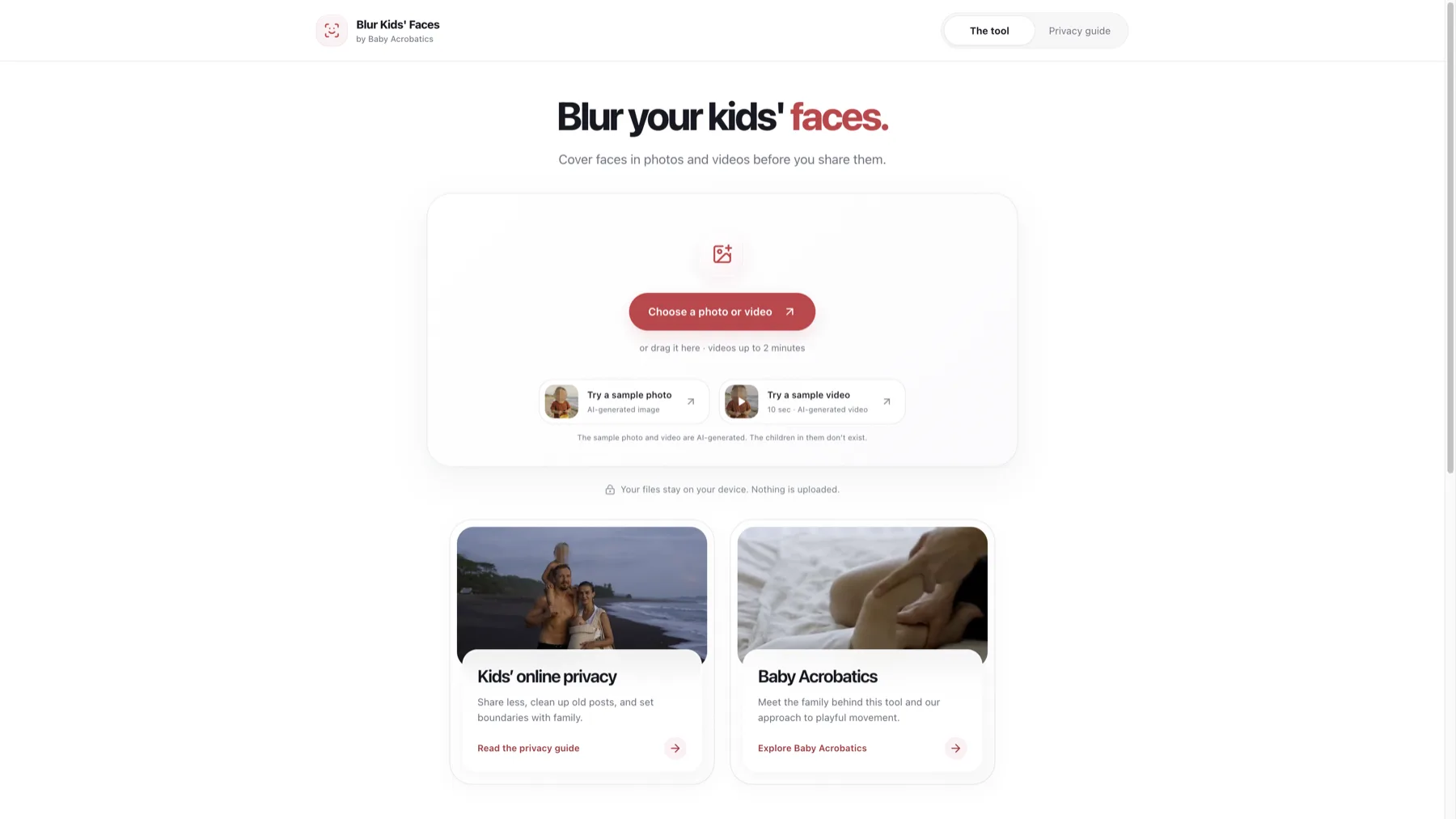
Before you upload it
The detail I care about is when the cover gets added.
If you upload the original to a social app and put a sticker on it there, you've already handed over the original. The thing people see may have a covered face, but that isn't the same as only sending a covered copy in the first place.
So Blur Kids' Faces processes the photo or video on the device. You choose the file, cover the faces, export a copy, and share that. Processing the image doesn't require sending the original to our server.
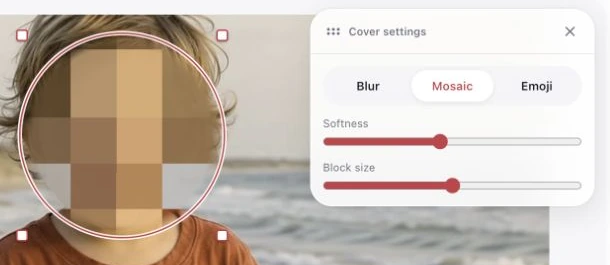
Automatic detection helps you find the faces, and you can add a cover manually. The controls let you adjust what actually gets covered rather than accepting whatever the detector decided was good enough.
Because sometimes it isn't. That's the annoying part about automating this: the one face it misses can matter more than all the faces it gets right.
Video makes it more interesting
A photo stays still. A child generally doesn't.
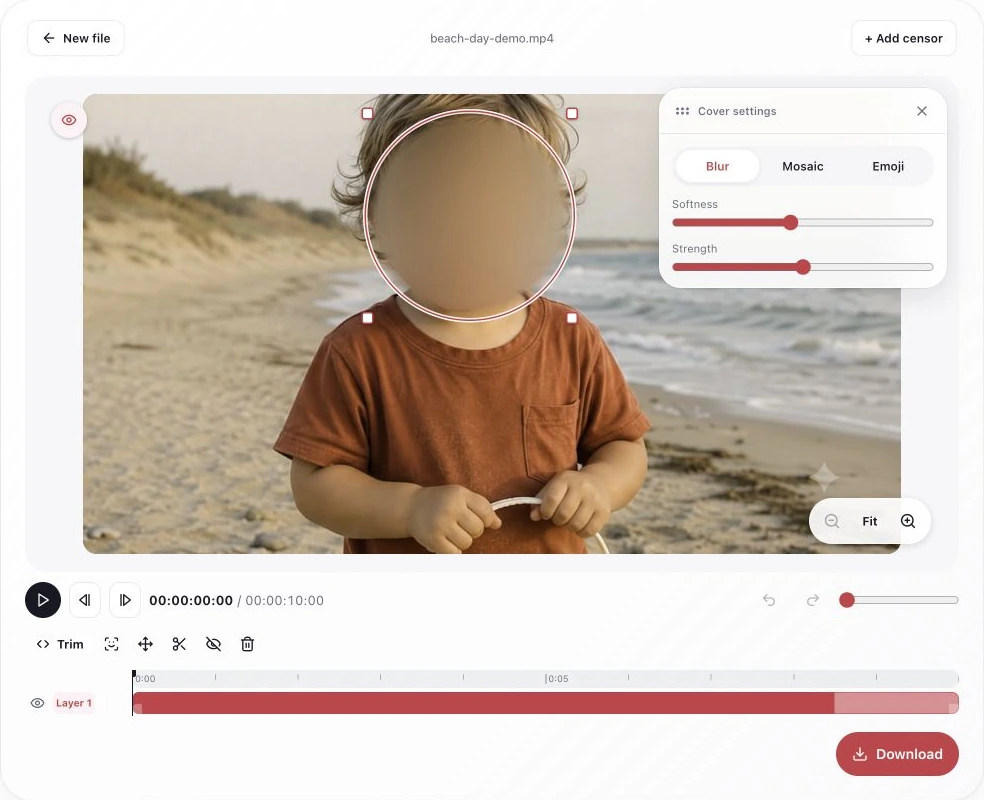
The video editor handles short clips, with tracking, trimming, and frame-by-frame checking. Someone can turn their head, leave the frame, come back in, or briefly disappear behind another person. A cover that looks fine at the beginning tells you very little about the rest of the clip.
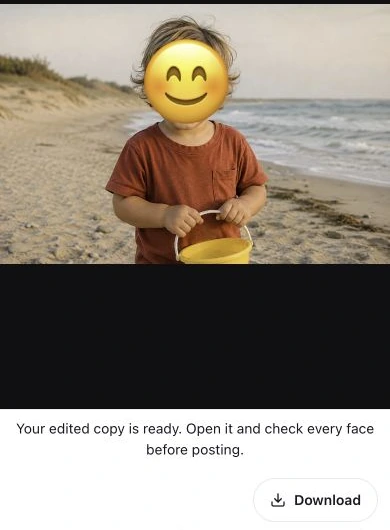
So checking the output is part of the workflow. I want the user to watch the saved copy and see whether it did the job, not take a successful export as proof that every frame is fine.
Then it needed to be an iPhone app
The web version works in any browser, which is the point of it. It also turned out it couldn't open a video on Miriam's iPhone. Safari on an older iPhone can be very particular about video formats, and "works in any browser" isn't much comfort when the browser in question is the one in your wife's hand.
So I rebuilt it as a native iPhone app. Most of it came together in one long day in September.
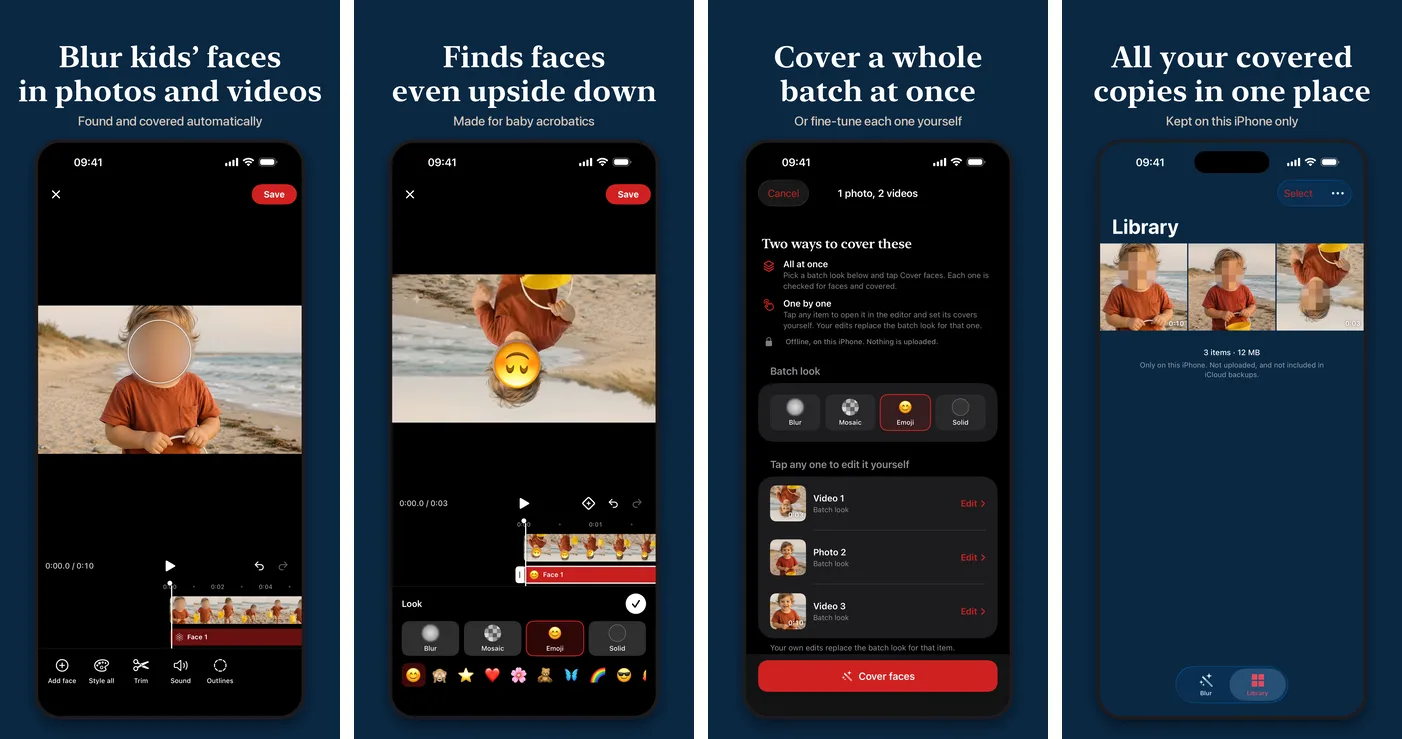
It uses Apple's own face detection, which runs on the phone and finds faces at any angle, including upside down. The browser version's detector gives up on upside-down faces, and for a family that makes baby acrobatics videos that is not an edge case. It checks every frame, up to 30 a second. When it loses a face for a moment, a tracker carries the cover across the gap, and every new face gets followed about a second backwards, so the first few frames before the detector caught it aren't left uncovered. There's no length limit either; the web version stops at two minutes.
The editor is laid out like CapCut or Instagram's Edits, because that's what people already know. A timeline with a lane per face, keyframes, split, trim, "track face" for a cover you placed by hand, and four looks: blur, mosaic, emoji (with any emoji you can type) and a solid colour. The blur is pixel-averaged first, so it can't be sharpened back into a face.
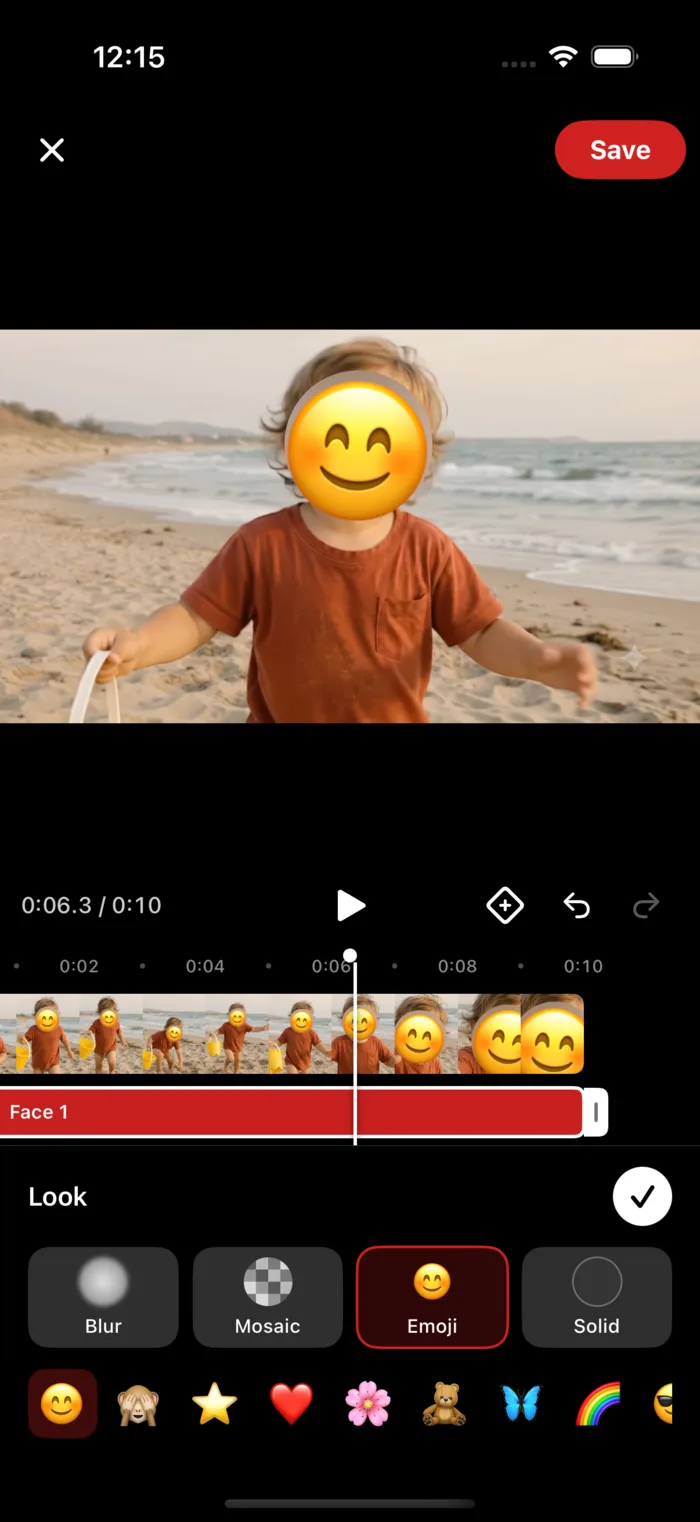
You can also pick up to 30 photos and videos, cover them all at once in one look, and save them all to Photos. Anything where it didn't find a face gets flagged so you can check it yourself.
And the privacy part, which matters more here than anywhere else I've built:
- The app has no networking code at all. Nothing is uploaded, and the App Store privacy label is "Data Not Collected".
- Exported copies have their metadata stripped, including location.
- Covered copies live in the app's own library, which is excluded from phone backups. The originals in your Photos are never changed.
- It only asks for permission to add to your Photos, not to read your whole library.
It's free, with no account and no watermark. The app is built and uploaded to Apple, but it isn't in the App Store yet. Until then the web version does the same job in a browser.
The face isn't the whole problem
You can do all of that and still leave the school logo visible. Or the location. Or have a relative post the original tomorrow. And covering the next photo doesn't do anything about the photos already online.
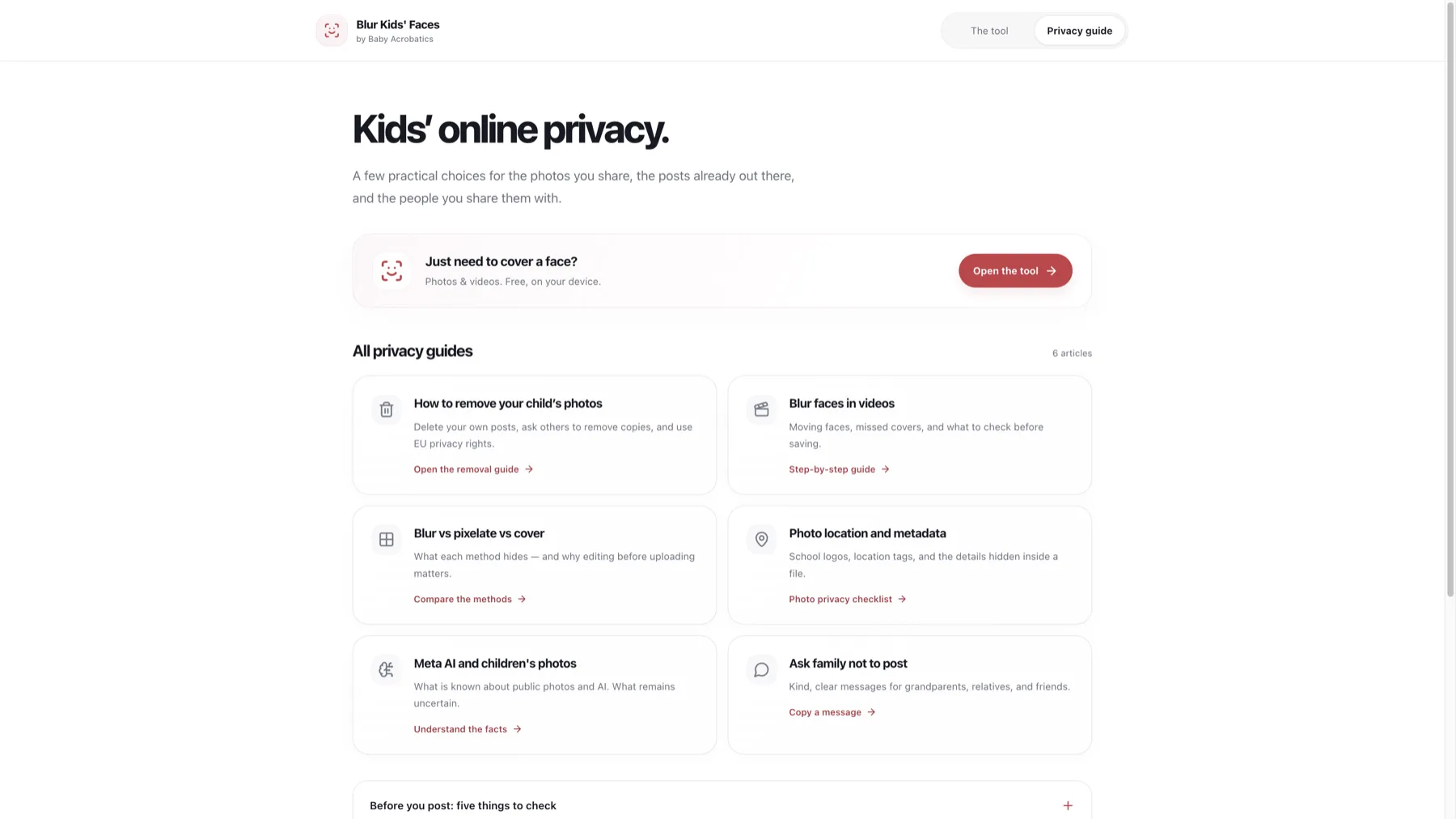
That's why I also built Kids' Online Privacy. It's 41 guides in four groups: removing what's already online (from Google, Facebook, Instagram, data brokers), editing before you share (including how to blur faces in Premiere, DaVinci Resolve, Final Cut, CapCut and YouTube), getting family, photographers and schools on board, and understanding the newer stuff, like what AI apps do with kids' photos and whether AI can un-blur a face.
The family part is a good example of why this needed more than software. A tool can alter a file. It can't have the conversation with the person who keeps uploading the file. Giving someone useful wording for that conversation can matter just as much as the editor.
I don't think there's a button that makes a child anonymous online. There are decisions about what to share, tools that help you prepare it, and things you can do when something is already out there. This is my attempt to put those in one place.
The web app and the guides are both public, and the iPhone app will be too. They grew out of a problem we deal with ourselves, but you shouldn't need our entire production setup to do the basic version of it.