Smart Support & Community Tool
I was getting overwhelmed with customer support.
The content was reaching a lot of people, which is the thing you're supposed to want. Then those people had questions. Customer questions, social comments, community messages. Eventually there were more of them than I could reasonably answer myself.
But handing it over wasn't as simple as giving someone a login. Most of the product knowledge was in my head, and I cared about how we talked to people. A reply can be technically correct and still sound like it came from a company that has never met a human being.
So I built a tool to help someone else do the work with the context I had. I've since open-sourced it.
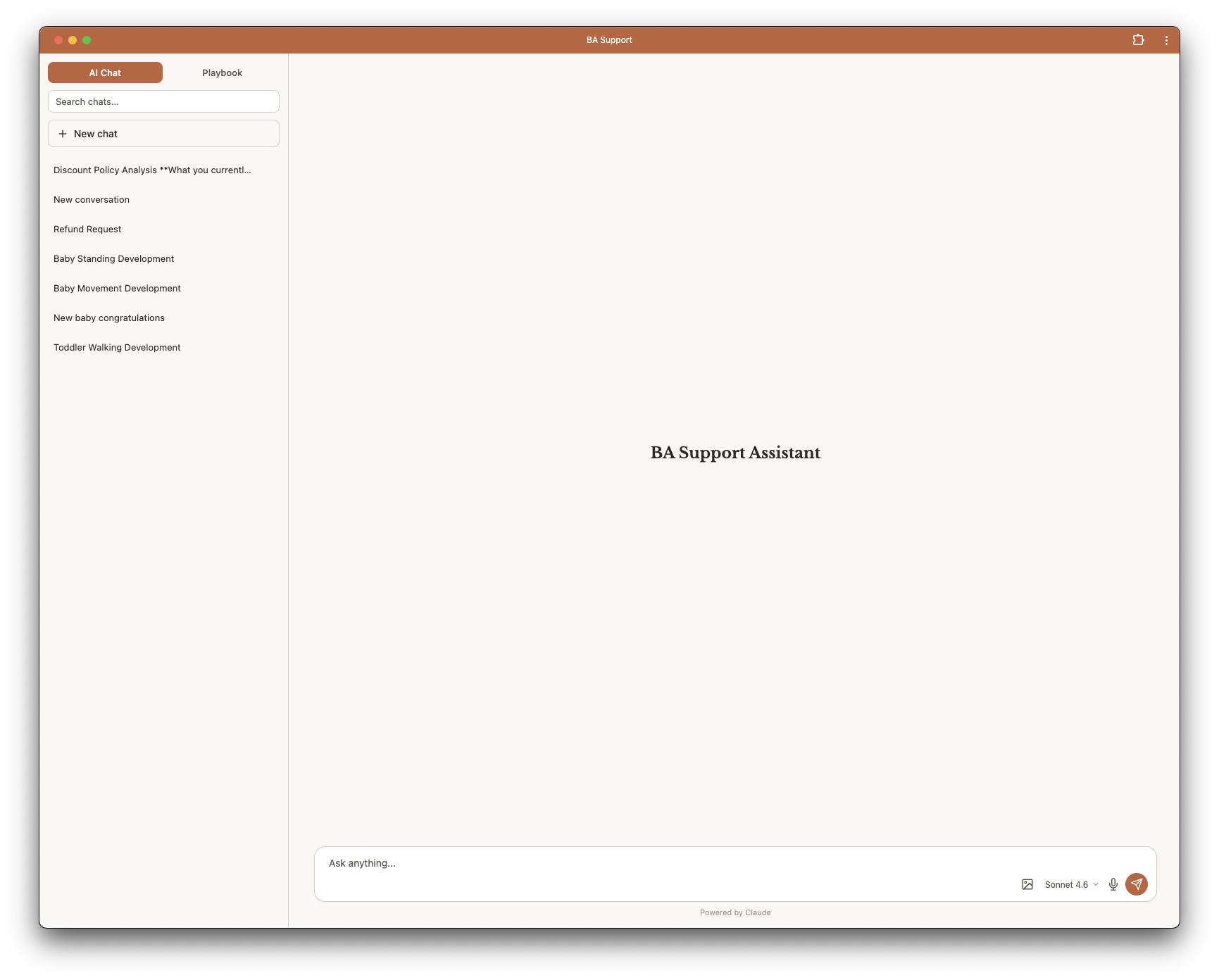
Getting a reply I would actually send
You bring in a customer question or a social comment, and the tool drafts a response using the product knowledge and playbook. It also gives context about the kind of issue, confidence, and whether it needs a formal business response or a lighter community reply.
Those aren't always the same job. Someone asking about their purchase needs a different answer from someone commenting on a reel. I don't want every casual interaction to turn into a miniature customer-service email.
I spent a lot of time on tone. Warm, useful, and direct, without the compulsive enthusiasm most AI assistants seem to think counts as a personality. There are only so many times you can read "Great question!" before you want to close the whole thing.
The person replying can use the draft, change it, or ignore it. The point is to give them a better starting position, including the information they'd otherwise have to come and ask me for.
There is voice transcription, image upload for screenshots, and model switching. It also works as a mobile web app, because a lot of social replies happen away from a desk.
The playbook is the important bit
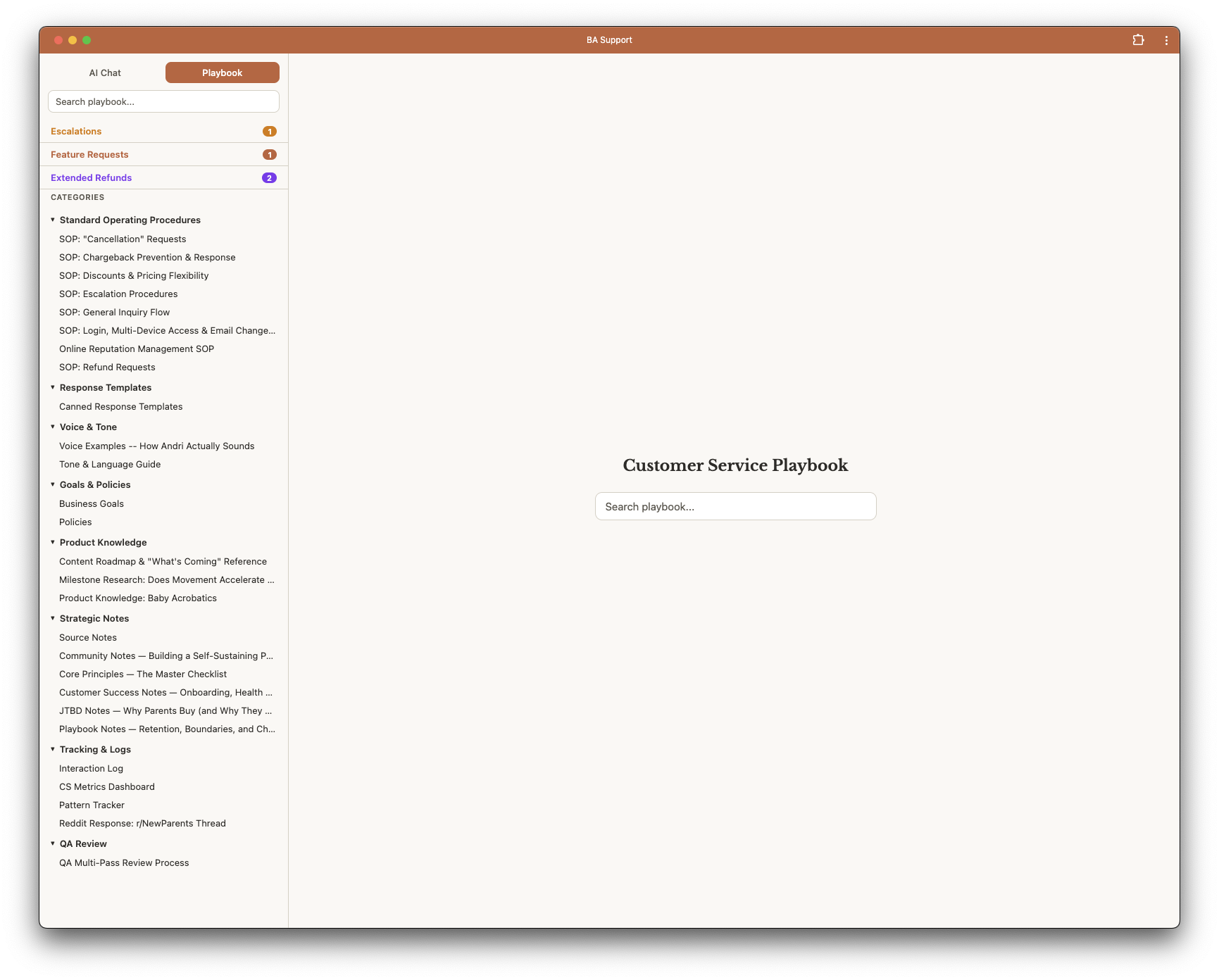
Behind the chat is a playbook: procedures, product information, policies, tone guidance, response templates, and notes about how we handle things. It is searchable and editable, and the tool uses it while drafting.
That matters because a good answer to a recurring question shouldn't depend on whether the right person happens to remember the last time we answered it. If we worked out how to deal with something, that work should still be available next week.
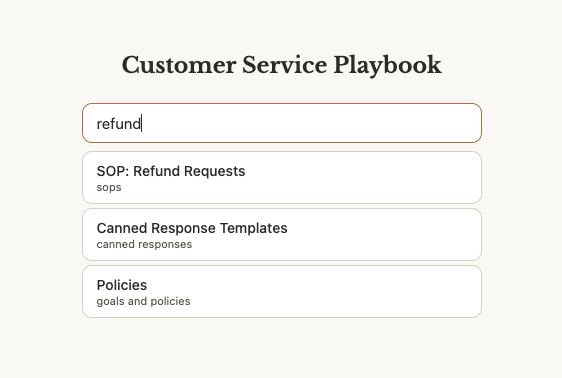
The retrieval system searches the playbook alongside product material and reference sources. It uses BM25, which is a way of ranking text matches, so it can bring relevant passages into the conversation instead of trying to cram the entire library into every prompt.
The replies show sources. That makes them easier to check; it doesn't magically make an AI incapable of getting something wrong. I want the person using it to be able to see where the answer came from and whether that source actually supports it.
When the material isn't enough, the tool can use web search and deeper research tools. This is where it starts to be more useful than an FAQ search box.
Letting it do something with what it finds
The AI can chain tool calls together. It can search the internal material, look something up outside it, and then use what it found to help draft a procedure or create an internal task.
The part I was most interested in was saving the work. After spending time researching an answer, I can ask it to turn that into an SOP and put it in the appropriate part of the playbook. The next person doesn't have to start the same research again.
It can also identify gaps and propose or create follow-up material. That makes maintaining the knowledge base part of using the tool, instead of a separate documentation project everyone keeps putting off.
Of course, saving a bad answer just makes the next answer consistently bad. The quality of the playbook still matters. Giving software a way to update it doesn't remove the need to read what it's putting there.
The question that turns into work
Sometimes a support conversation is pointing at something we need to fix. A missing feature, an unclear explanation, a case that needs me to look at it personally.
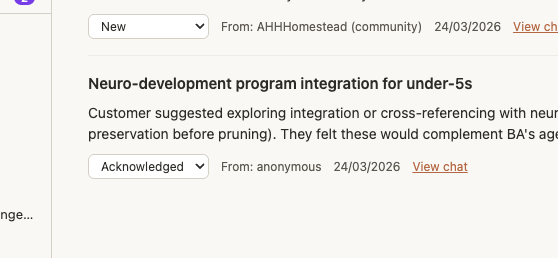
The tool can create feature requests, tasks, tickets, and escalations, with notifications sent to Slack. There are separate accounts and permissions, so bringing someone in to help doesn't mean handing them everything.
That's the operational reason for building it. I needed to get out of the middle of every reply without losing the questions that genuinely needed my attention. "Ask Andri" can't be the entire process, particularly when Andri is already in the middle of building three other things.
Using it where the work is
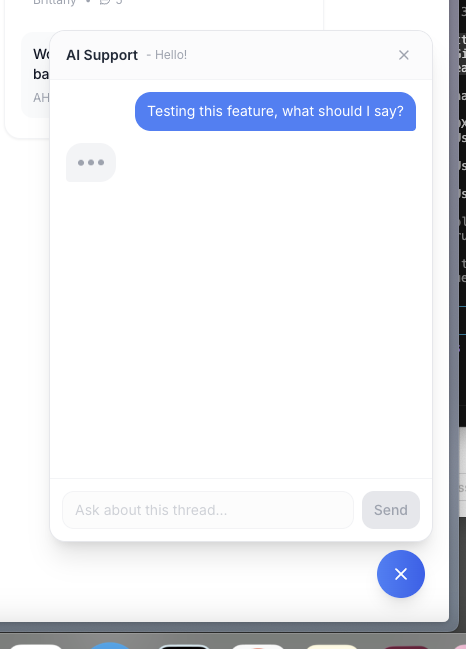
There's an embeddable widget as well as the full app. You can open a conversation beside the page you're working on, get help, and keep going. The response streams as it's generated, and the conversation stays available in the tool.
It's a small interface detail, but switching between five tabs every time someone asks a question is exactly the kind of friction this was supposed to reduce.
Why I put the code out
The specific knowledge base is mine, but the problem isn't unique to me. A lot of small businesses have one person who knows how everything works and a growing number of people who need that information to do their jobs.
This is my attempt at making that knowledge usable. The voice, the product facts, the previous decisions, the ability to look something up and turn the answer into work. The chat box is just how you talk to it.
If you want to look at how it was built, the repository is on GitHub.
